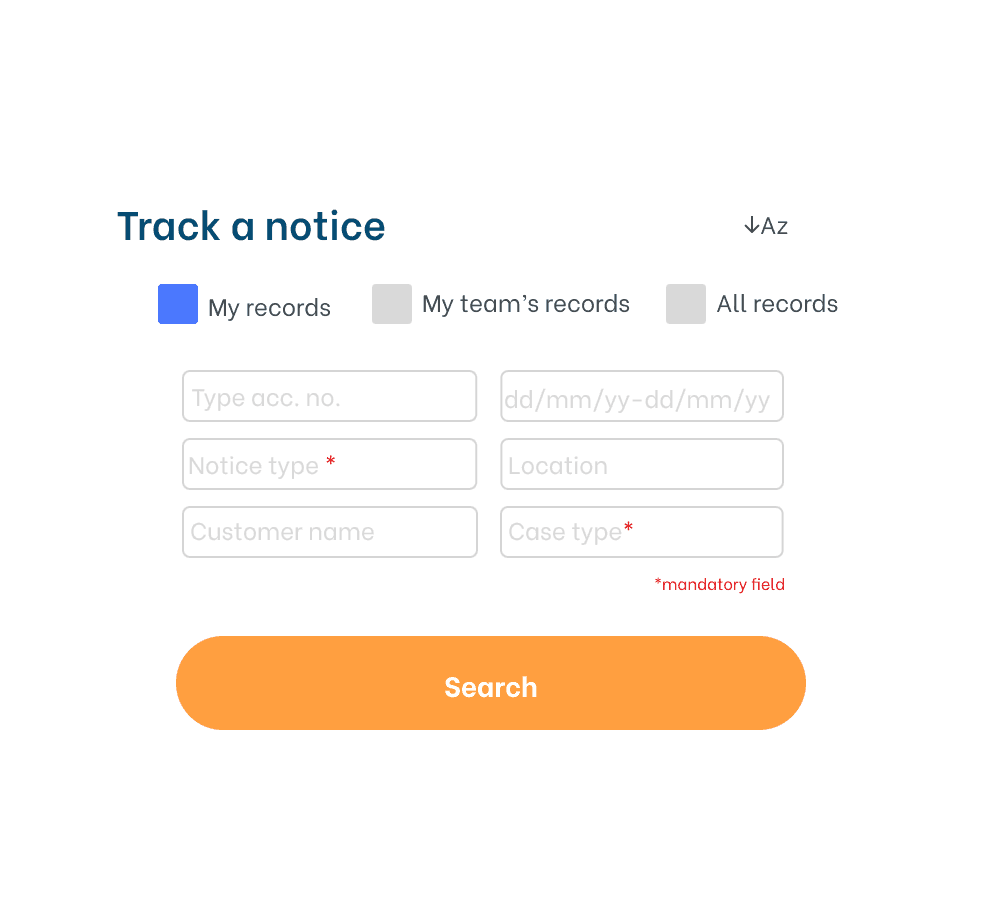
Mobile Litigation management
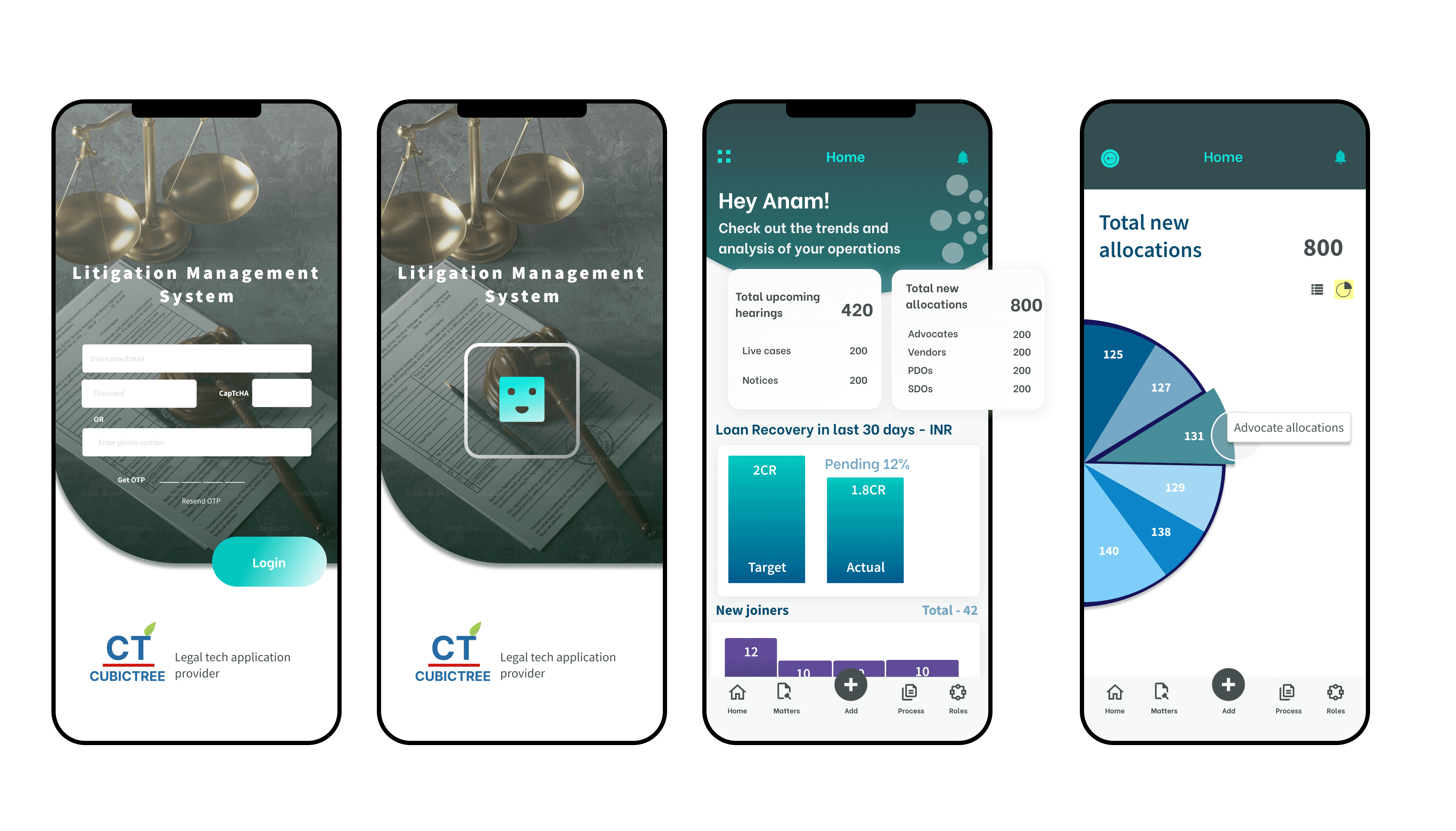
LMS Mobile is a legal tech companion app initiated directly by the organization's CEO designed for banking and financial institutions managing court cases, loan matters, and legal notices. Built to extend a legacy desktop Legal Management System into the hands of field teams, the app unifies matters, cases, notices, and workflow updates across 5+ user roles, enabling legal operations to continue seamlessly beyond the office walls.
ROLE
PROBLEM
Field officers were anchored to their desks. A legacy desktop system left legal teams with no way to log case updates, track notices, or manage matters while in court or on site. The result was delayed workflows, fragmented communication across multiple apps, and a growing gap between where legal work happened and where it could be recorded.
RESULTS
LMS Mobile reduced workflow delays by eliminating office dependency for field updates. Dual-mode navigation served 5+ user roles in one app, unifying fragmented legal operations into a single field-ready system.
From Legacy Screens to Field Ready Flows
A deep understanding of field realities drove every design decision. SME interviews with field officers, legal teams, and supervisors revealed how disconnected the existing system was from day-to-day legal operations. Competitor analysis of legal and enterprise mobility platforms informed the dual navigation architecture. Affinity mapping surfaced role-based pain points, leading to a clear information hierarchy for each user type. Designing for cognitive load meant each role saw only what was relevant — nothing more, nothing less. Business alignment ensured the mobile experience complemented rather than disrupted the existing desktop investment.
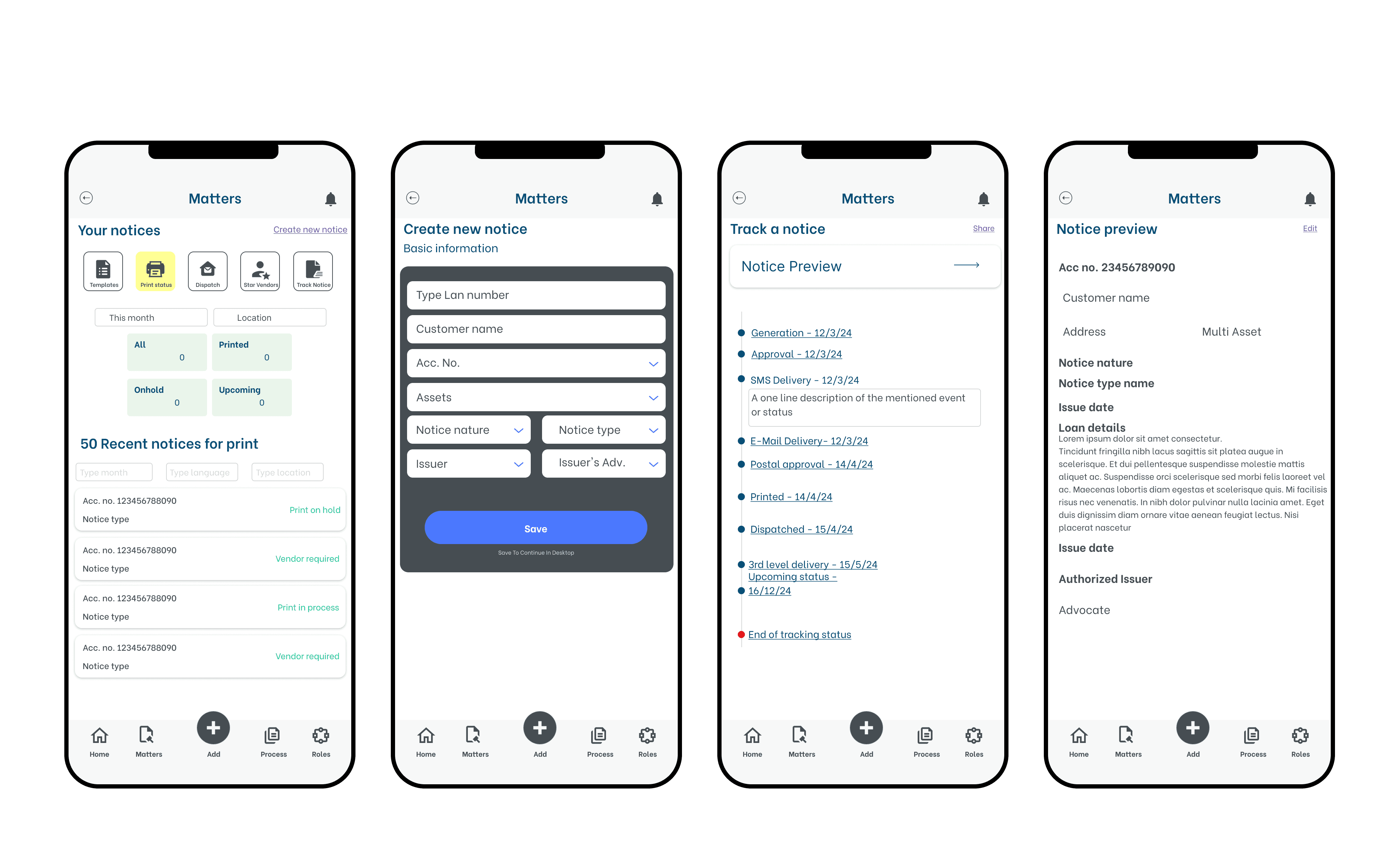
Design language and metrics
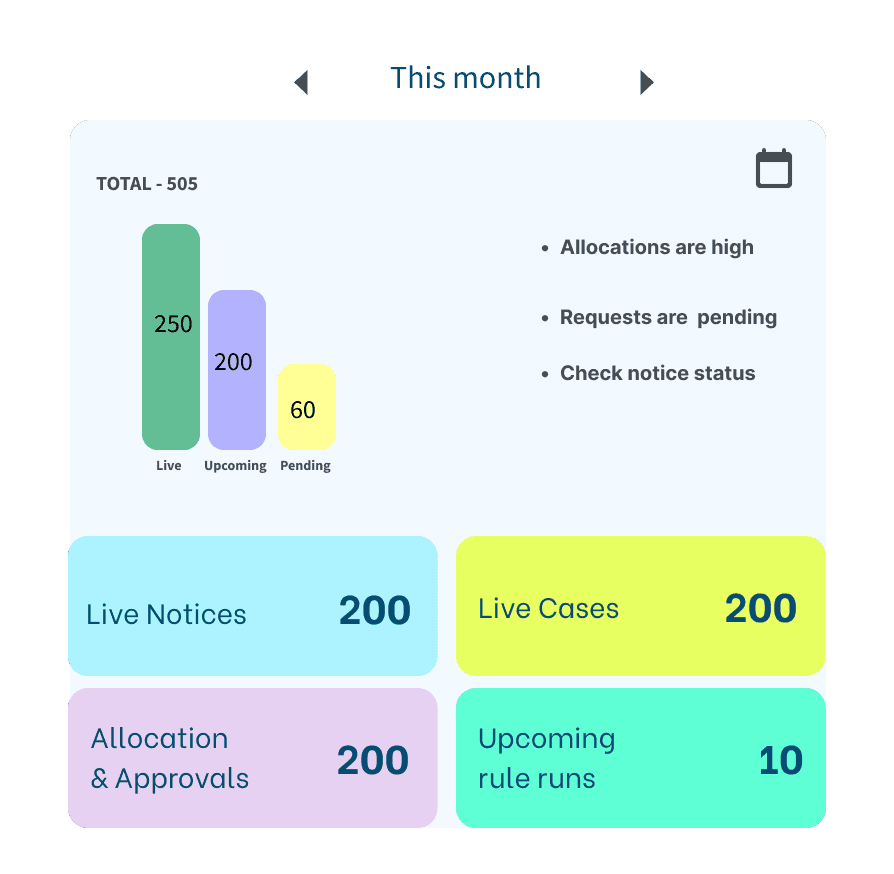
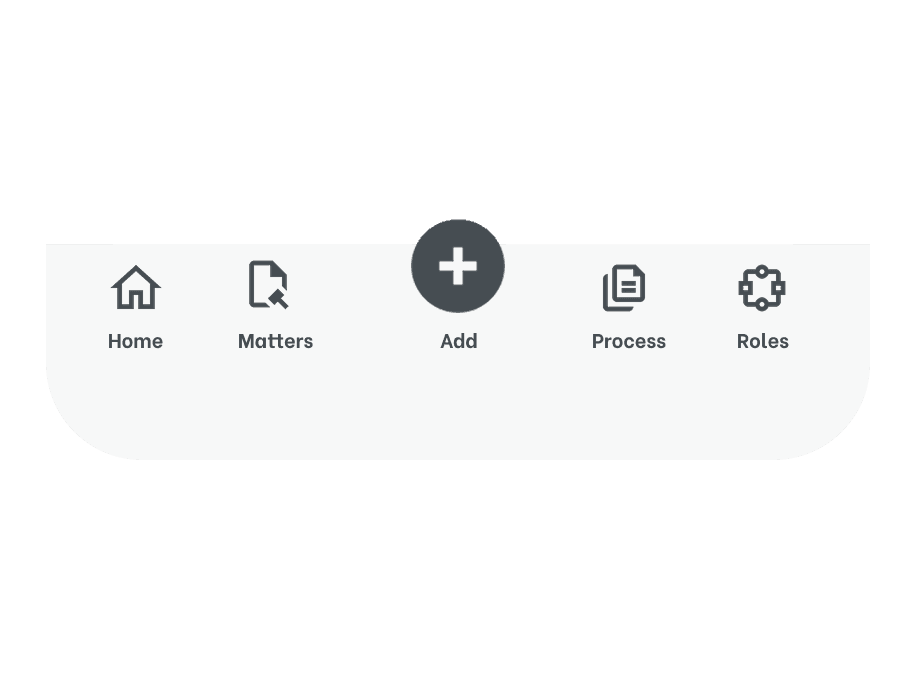
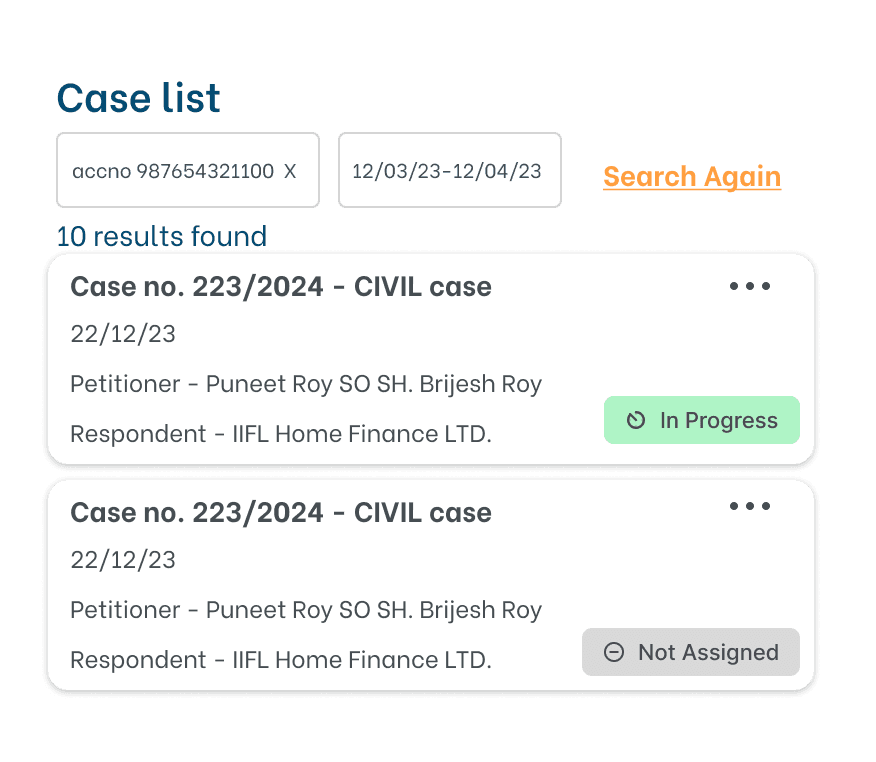
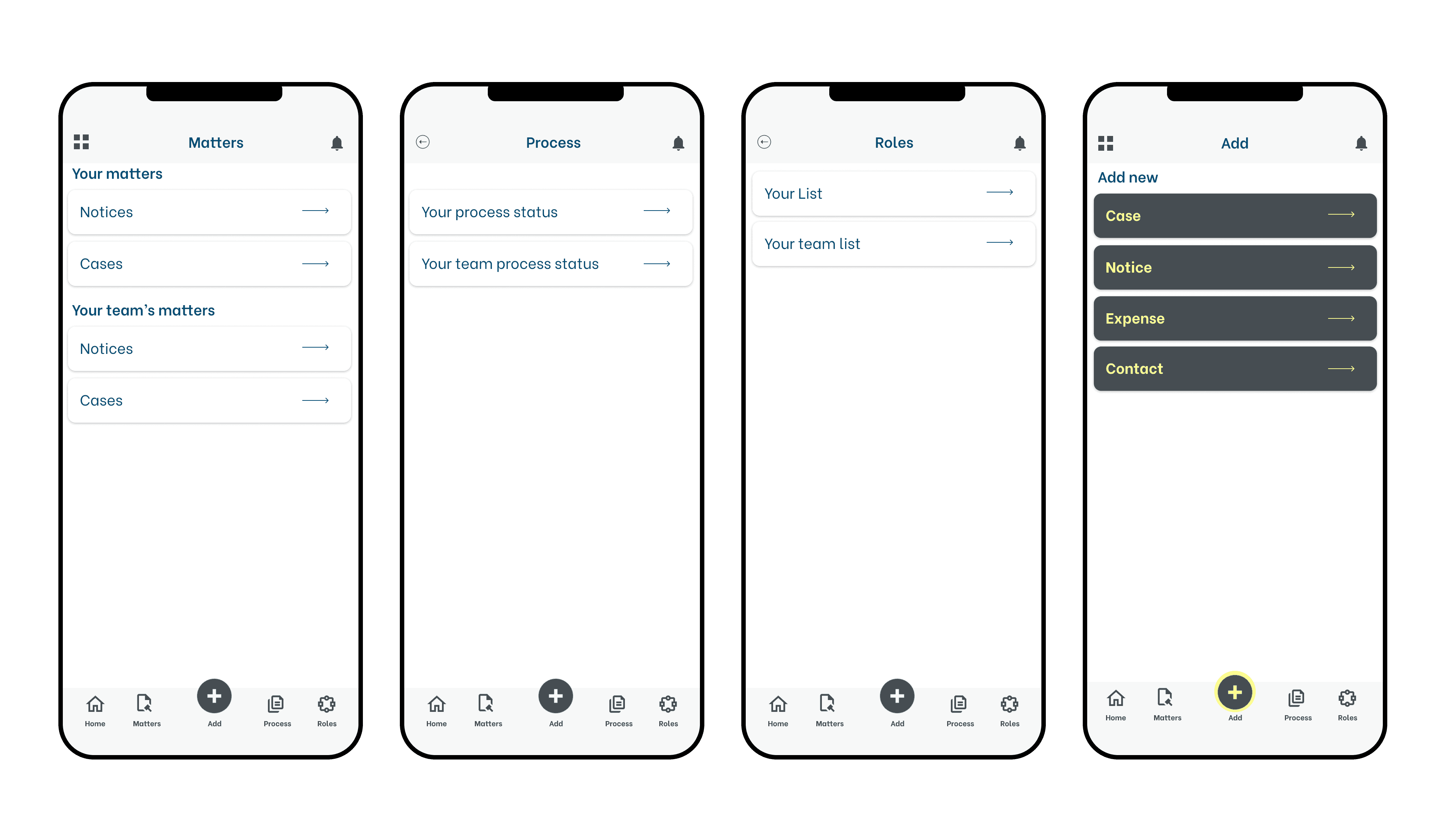
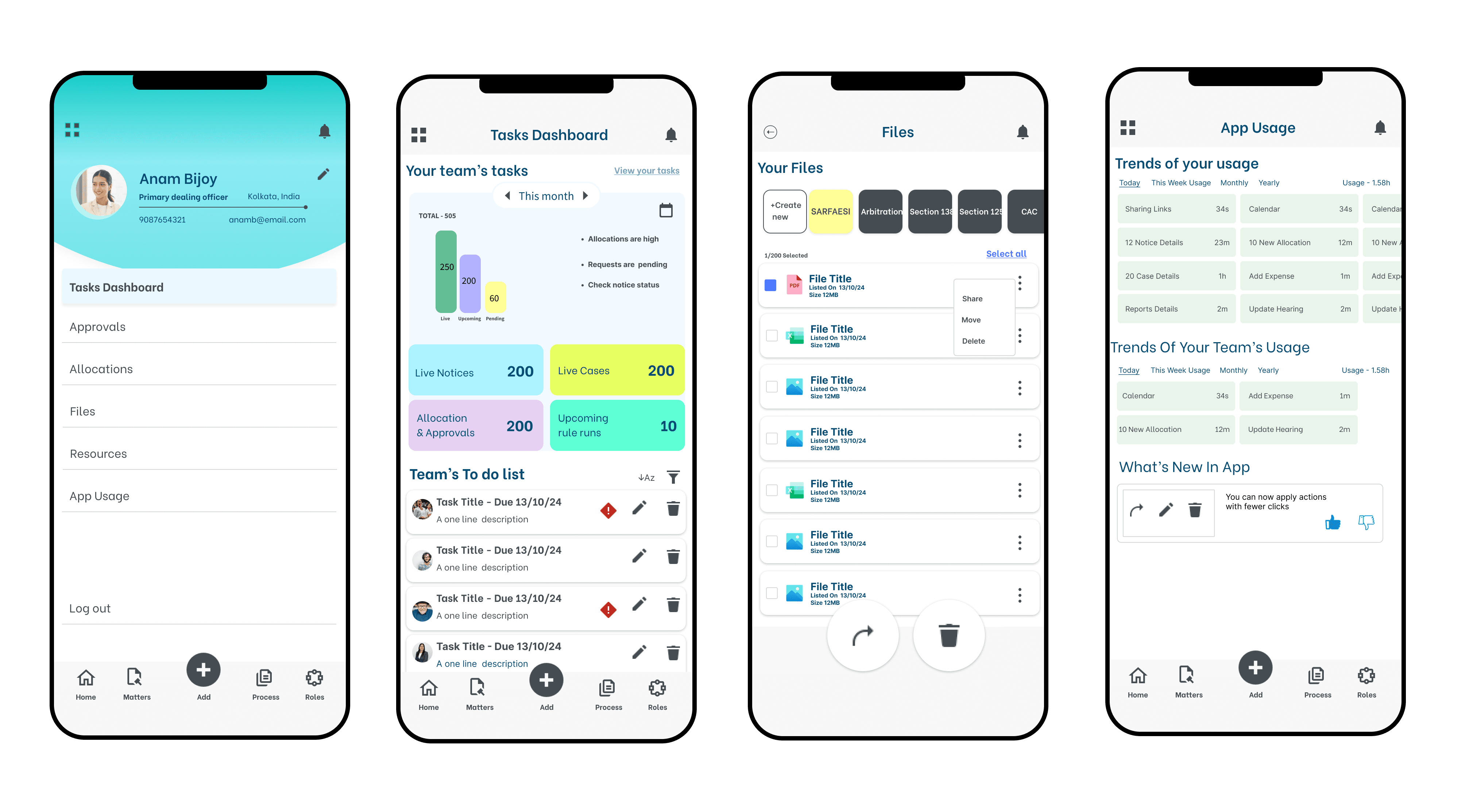
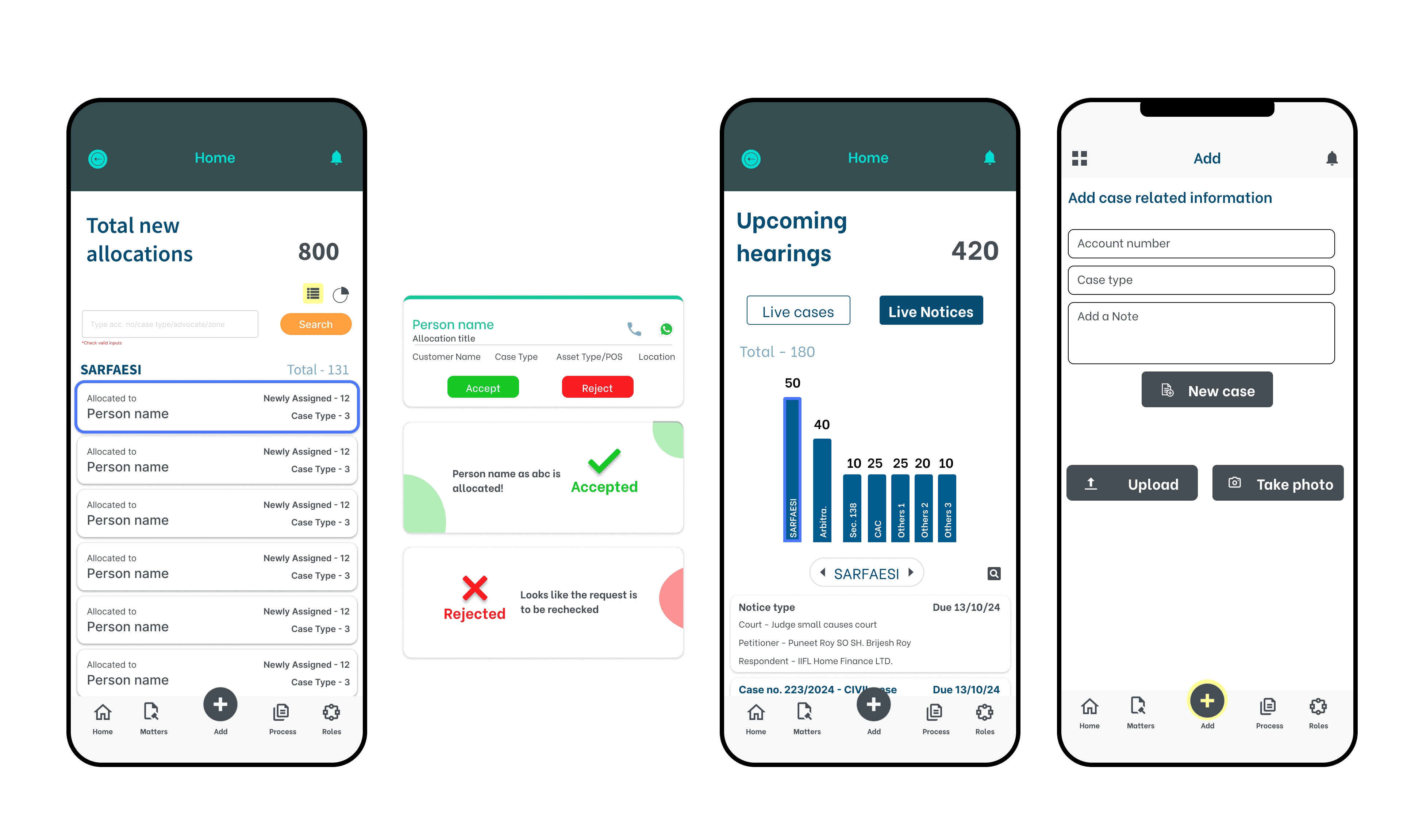
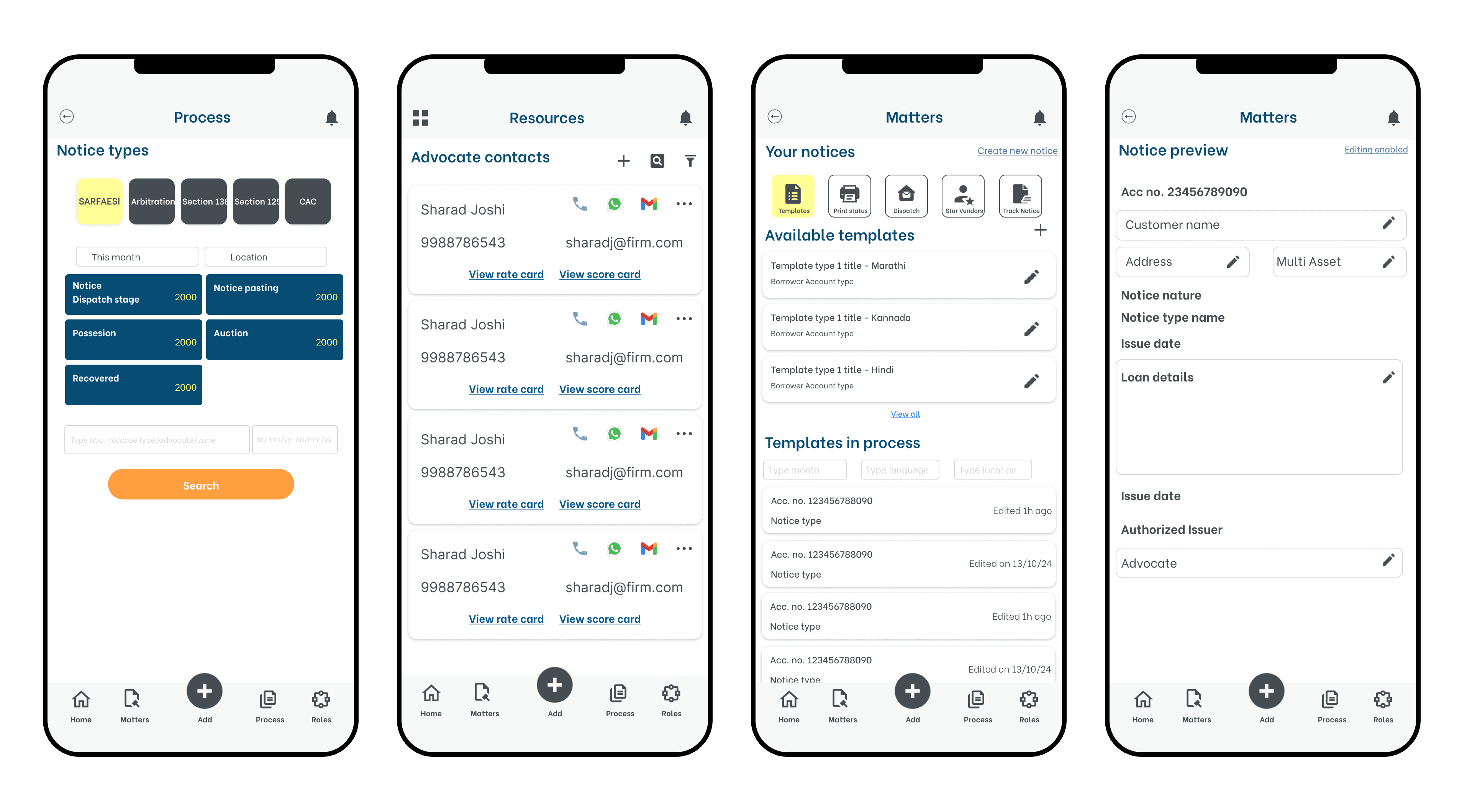
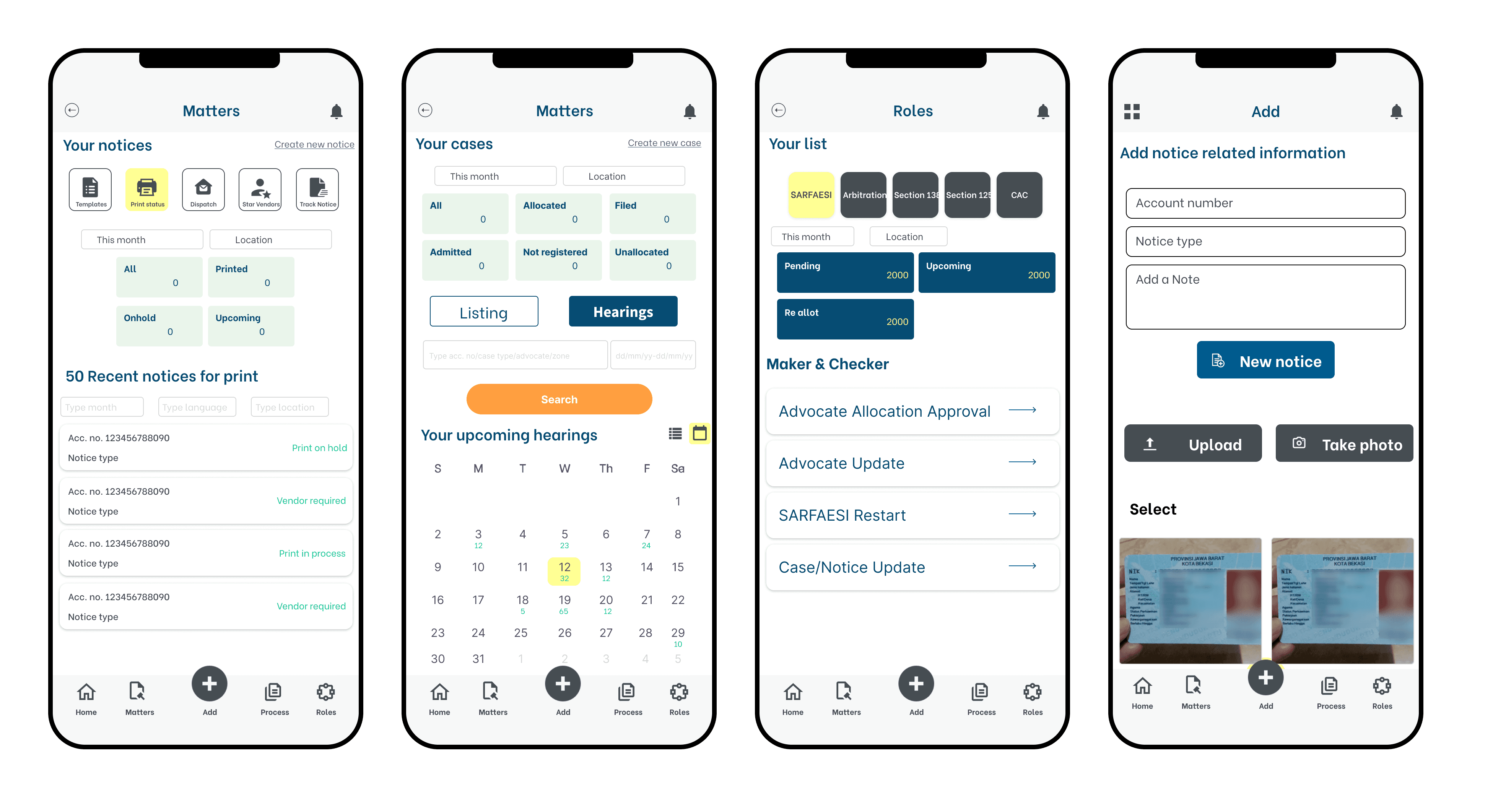
The visual identity was built on a legal tech palette — white neutrals, cool accents, and structured gradients — designed for daily professional use without visual fatigue. Key design decisions were measured against three criteria: how quickly a field officer could complete an action, how few taps it took to reach critical information, and how little cognitive effort each screen demanded. Bottom navigation kept prime actions within thumb reach. Data cards surfaced only role-relevant information. The central add button enabled one-tap field capture. Together these decisions reduced friction at every touchpoint — turning a complex multi-role enterprise system into something a field officer could confidently use mid-courtroom.
Conclusion & Learning
LMS Mobile demonstrated that modernising a legacy enterprise system demands as much systems thinking as visual craft. Designing solo for 5+ user roles across mobile and desktop taught me that clarity is an architectural decision first and a visual one second. Every role, every screen, every interaction had to earn its place — nothing existed without a purpose.